Shipping ViewPane: Ten Cameras, One Mini-PC, Zero New Attack Surface
A real-world install — what the box looks like, why we picked an N100, and the rule we wouldn't break for convenience.
ViewPane is our self-hosted AI surveillance companion app. It pairs with Frigate NVR — the open-source object-detection layer most home-lab folks already run — and gives it a polished mobile front end with live tiles, event review, and per-camera tuning. The promise is simple: keep the recordings on your hardware, in your house, on your network. Nothing leaves the property.
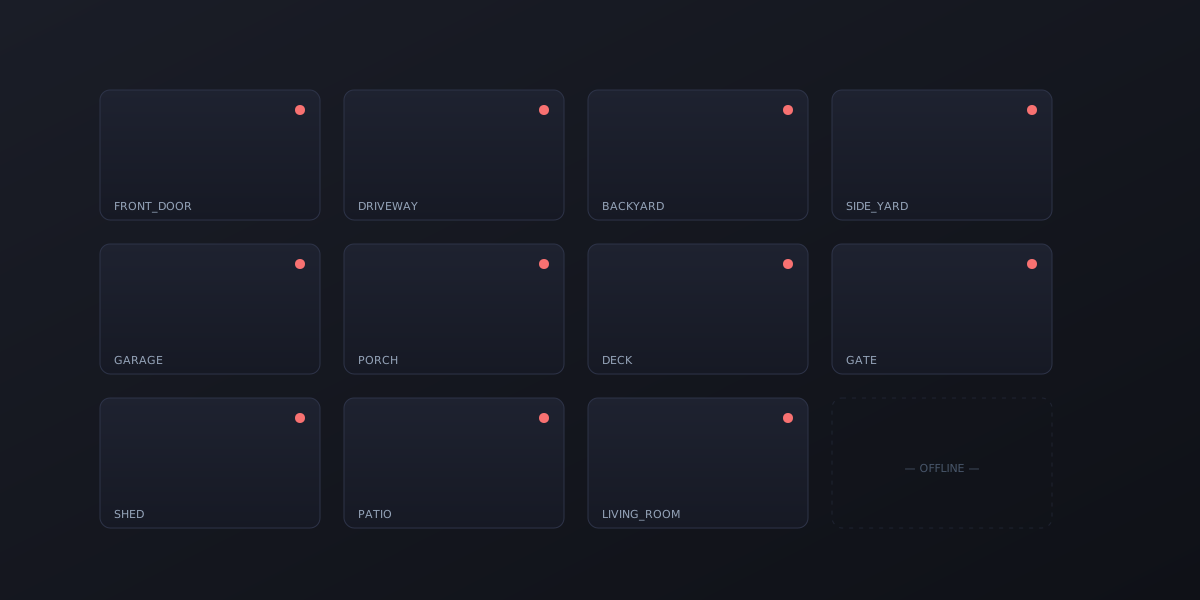
This week, we finished the first real-world install. Ten Reolink cameras, one M9 mini-PC running Frigate, all of it reachable from a phone over Tailscale — and not a single new port exposed to the internet.
Here’s how the rule played out.
The hardware
The brain is a fanless mini-PC built around an Intel N100, with a Google Coral USB TPU plugged into it. People sometimes raise an eyebrow at the N100 — it’s not a workstation chip — but the division of labor is what makes it work: the Coral runs object detection, the N100’s iGPU does H.264 decode in hardware, and the CPU itself stays nearly idle. Frigate’s actual bottleneck on a multi-camera install is usually not the detector — it’s decoding ten simultaneous video streams. With decode offloaded to the iGPU and detection offloaded to the Coral, a $150 mini-PC handles all ten cameras and the box stays under 25 watts.
There were three quirks we hit getting it stable:
- Stock Ubuntu’s 5.15 kernel doesn’t expose the N100 iGPU. You have to bump to a 6.x kernel via
linux-generic-hwe-22.04beforevainfoshows you anything useful. - The I225-V NIC needs Energy-Efficient Ethernet disabled or it drops the link periodically under load.
- Cloud-init silently overwrites your netplan config unless you explicitly disable it. Static IP assignments will mysteriously revert on reboot.
None of these are showstoppers, but all three are required for stability and none of them are obvious from the install instructions on most camera-NVR forums.
The non-negotiable
When you ship a self-hosted product, every listener you add becomes part of the homeowner’s attack surface. We made an early decision and stuck to it: nothing ViewPane does — no service, no port, no daemon — should be reachable from the public internet by default. Convenience is not a reason to break that.
Concretely, that meant:
- Frigate’s web UI sits behind an authenticating proxy, and the firewall only accepts connections to it from the home LAN. From anywhere else, you go through Tailscale.
- The MQTT broker (Mosquitto) requires authentication. Frigate publishes detections internally; nothing unauthenticated talks to it.
- The relay service we added — which translates Frigate events into ViewPane push notifications — is firewalled to the LAN the same way. The phone reaches it locally at home, or through the same Tailscale tunnel as everything else when away.
- No port forwarding on the router. None. UPnP off. The homeowner’s existing firewall posture is unchanged.
The result is a setup where the only way to reach any ViewPane component from outside the house is to be on the homeowner’s Tailscale network — which means having an account they’ve explicitly authorized. That’s not a layer added on top of internet exposure. It is the access path. There is nothing else.
What broke that we didn’t expect
A few things from the install we’ll roll into the setup guide:
- Reolink spotlights with a dusk-to-dawn schedule caused dozens of false-positive person detections per hour during the daytime when the IR cut filter was switching back and forth. Pinning the spotlight to manual fixed it.
- A 0.6 person-detection threshold was too sensitive on the front porch — a hanging fern in motion was reliably triggering events. Bumping it to 0.75 dropped false positives to near zero without missing anyone.
- The living-room camera needed a dedicated mask for the TV, because the on-screen humans in whatever was playing were getting detected. (Frigate’s detector is honest. Maybe too honest.)
What we learned
If you’re building a self-hosted product, the most common architectural shortcut is “just expose it on a port and tell users to set up a reverse proxy.” It works, it’s documented, and it’s a security debt you’ve handed to your customer. We’d rather build the harder thing — a setup that’s secure-by-default — and spend the design effort once than have every install be a slightly-misconfigured opportunity for someone else’s botnet.
Ten cameras, one box, zero new attack surface. That’s the bar.